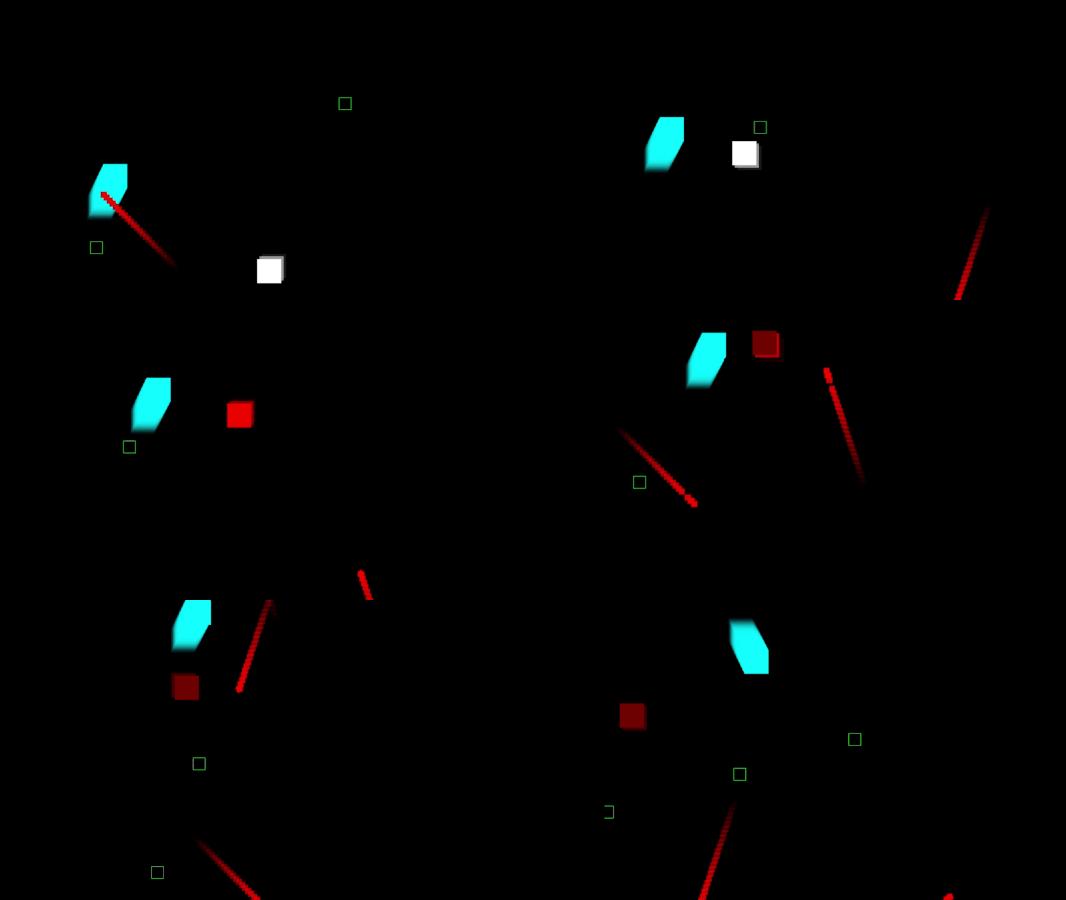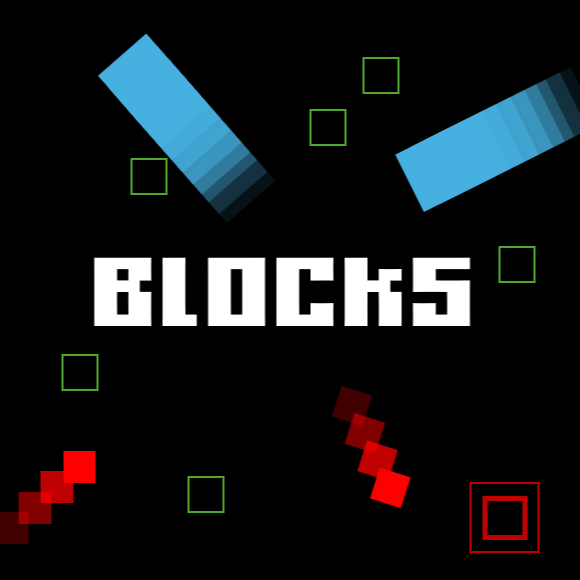
BLOCKS

If it moves, it is deadly. The only goal is to survive. Collect coins to unlock new skills and become stronger. BLOCKS is an incrediblely simple game with minimal art and sound, designed to be difficult and put your awareness to the limit.

Built entirely by me, in a two month period during the fall smeester of my Junior year.
Built in IntelliJ (IDE) with Java. This is not the finished product.

Highlights

Game Idea

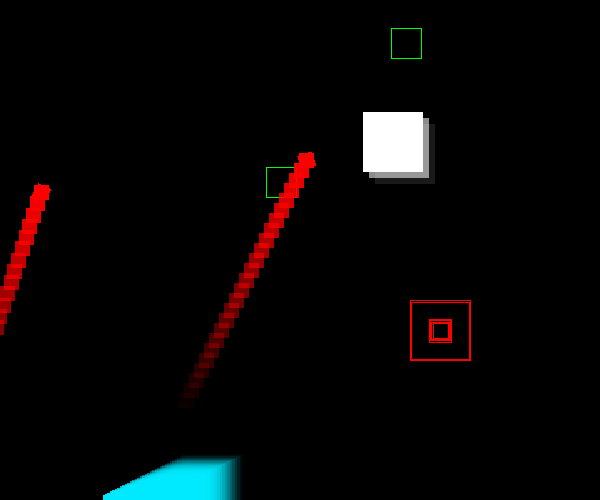
Given my circumstances and time limit, the game was required to be simple in concept and not rely on too much artwork, if any. This brought me to the concept of BLOCKS - a square with unusual movement with the only objective to not get hit by other rectangles. To not be overscoped, the game would not have any progression in between different games. One main problem I ran into was that people tended to camp the corner of the screen. To discourage this, I made a side objective to risk your health to collect coins and grow stronger as the game progressed. Additionally, the enemies scaled and got stronger as the game continued to further incentivize the player. For the final nail in the coffin, I created the homing enemy that followed the player. I found that with these systems in place, the player could not attempt to camp without severe punishments.
Failed to load image

Skill Tree

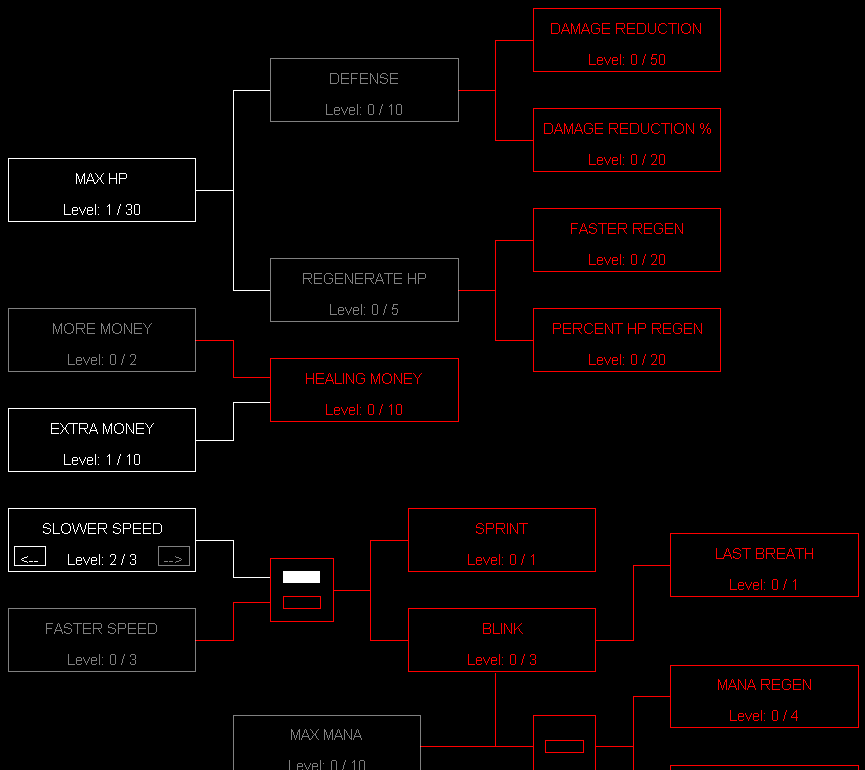
Inspired from a Doubly Linked List, I created a node for each upgrade. Each node holds how many prerequisites it needs to be unlocked and the skills it is a requisite for. When the skill is bought for the first time, it sends a flag to all of the requisite skills. Once a skill meets the amount of prerequisites required, it unlocks, allowing it to be bought. While most skills behave more like a Singly Linked List, some skills also have a reference to all of their prerequisite skills, which make them behave more similarly to a Doubly Linked List.

Failed to load image

Screen Shake and Hit Stop

Because I did not build this game in an engine, such as Unity, I did not have easy access to either of these options, however, because I built this game from the ground up, I knew how everything worked. With this knowledge, to simulate screen shake, I randomly displaced every object on the screen every few frames. With screen shake, the player can see the impact of enemies hitting them.
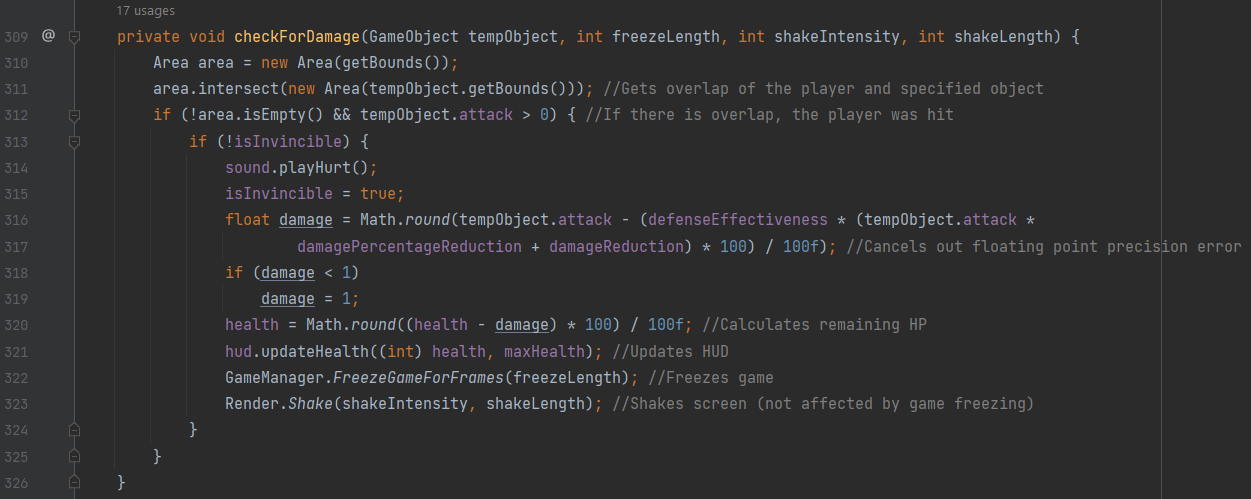
To simulate hit stop, I added a method that paused my game loop for a certain period of time, then resumed the game loop as if nothing has happened. With hit stop, the player is able to feel the impact of enemies slamming into them. Additionally, hit stop serves as a brief grace period for the player to realize that they have taken damage and then react accordingly. However, having the game pause for a fraction of a second looks weird, which is why screen shake is also essential. This is because while the game is frozen, the screen is also shaking. This allows the player to feel and see the impact, however, they do not notice the downsides of having either one.

Failed to load image

Collision Logic and Rendering

To create collision, I gave the program a 2D grid that contains an x and y position and the width and height of the object. Each object also holds an enum of what type of object it is, such as the player or certain enemy. Whenever the player's position overlapped another object, I grabbed what object it was through the enum and provided logic on what happens. I then told the window to render rectangles at certain x-y coordinates with certain widths and heights. Finally, I had to sync the game logic and rendering together so that the player could properly see the enemies and would not be colliding with invisible enemies.

Failed to load image

Links

Itch.io

Itch.io

Download the Game!

Gallery

More Games

View other games I worked on!

Envelope

Contact me

rzherwig@gmail.com

Github

Github

Linkedin

Linkedin

Github